
ChatGPT · Nano Banana · Seedance 2.0
Kling 3.0 · Veo 3.1 Fast · Google AI Studio · Archate
AI in Practice:
Architecture & Interiors
Architecture · Interior Design
A masterclass on full interior design project and video walkthrough — all with AI.
Live In-Person Session
AI in Practice:
Architecture & Interiors
Architecture + Interior + Cinematic Video — the end-to-end AI pipeline for the modern studio.
Schedule a CallDesign a complete interior project — from concept and FF&E to a fully produced cinematic walkthrough video. The end-to-end pipeline for the modern studio.
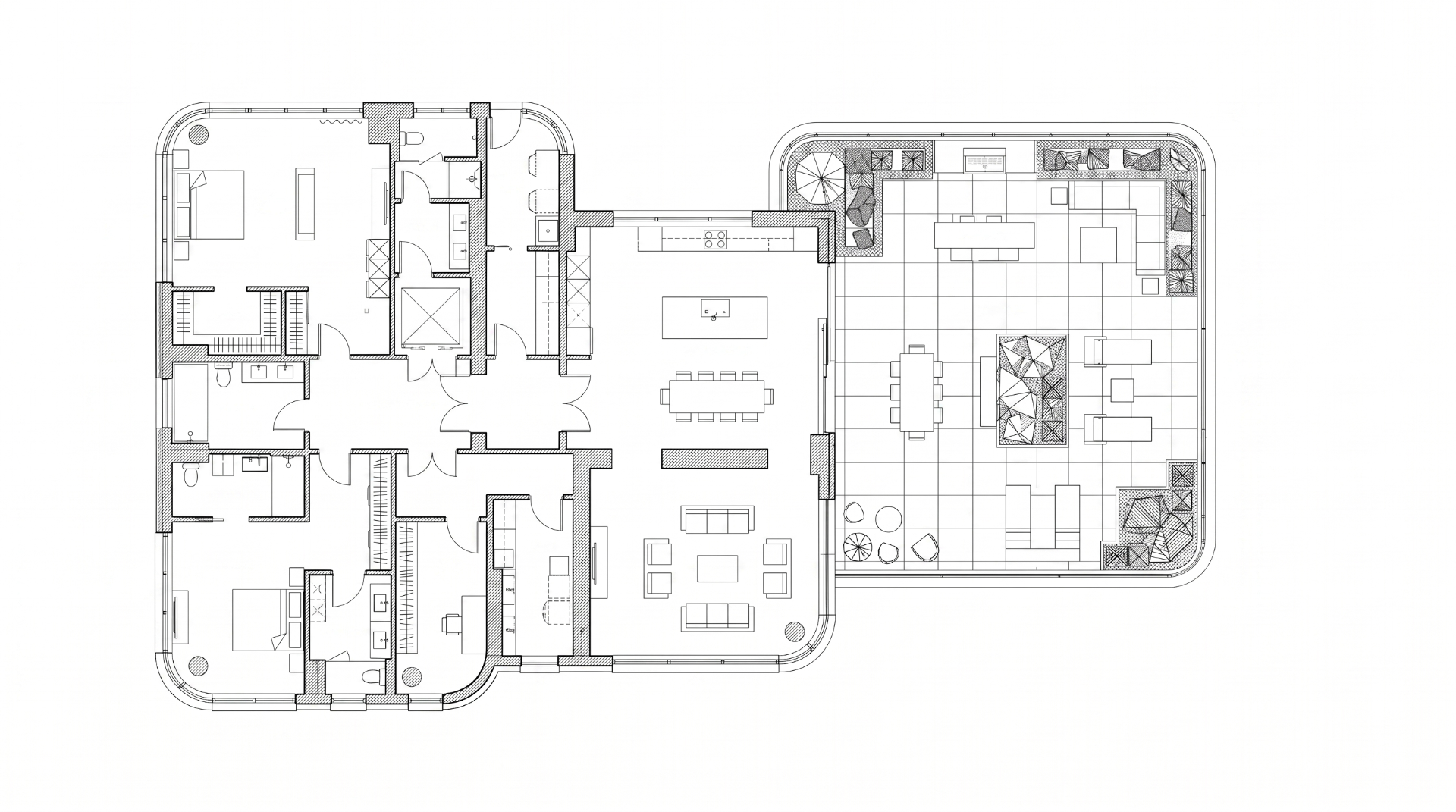
Floorplan
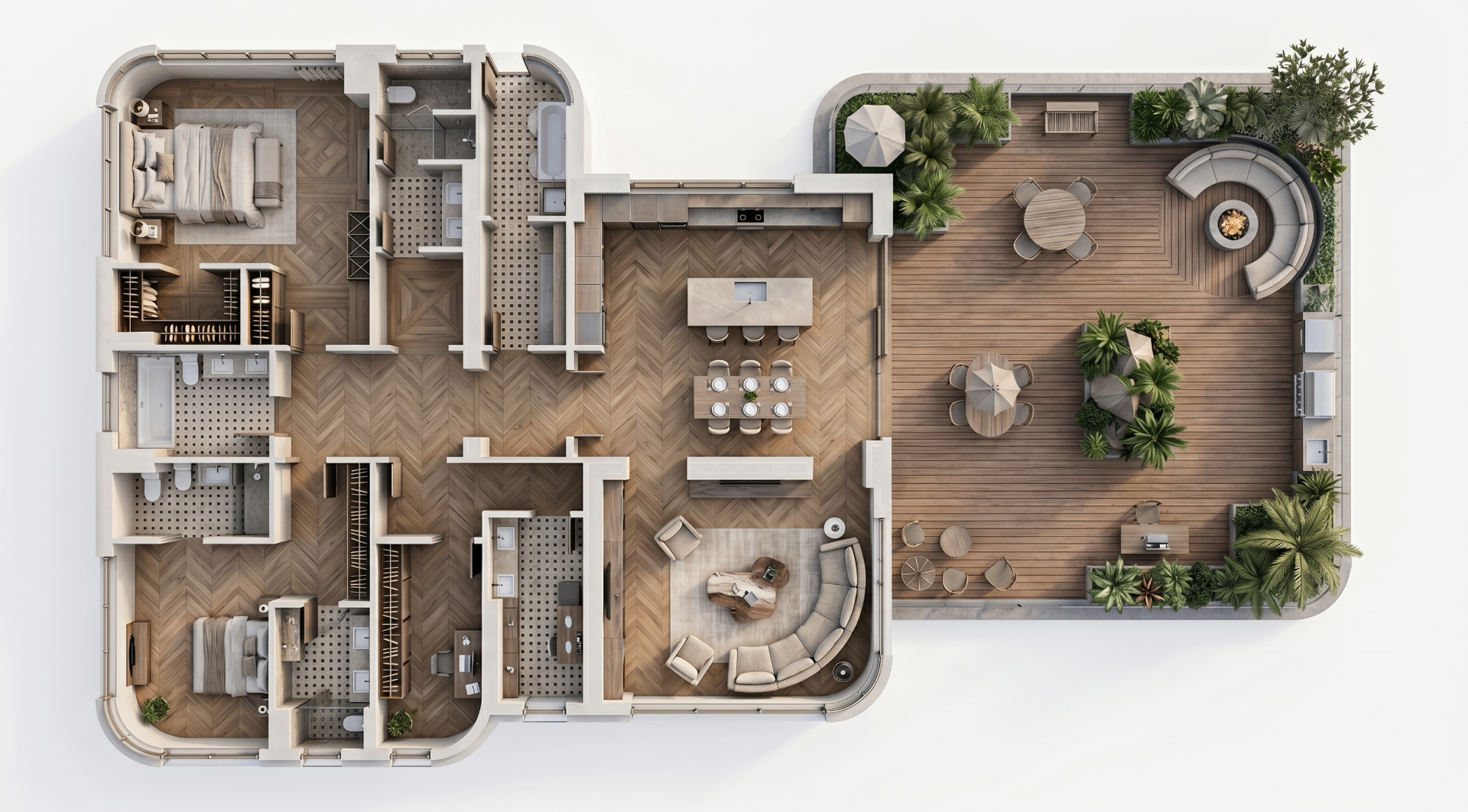
3D Plan View
Materials
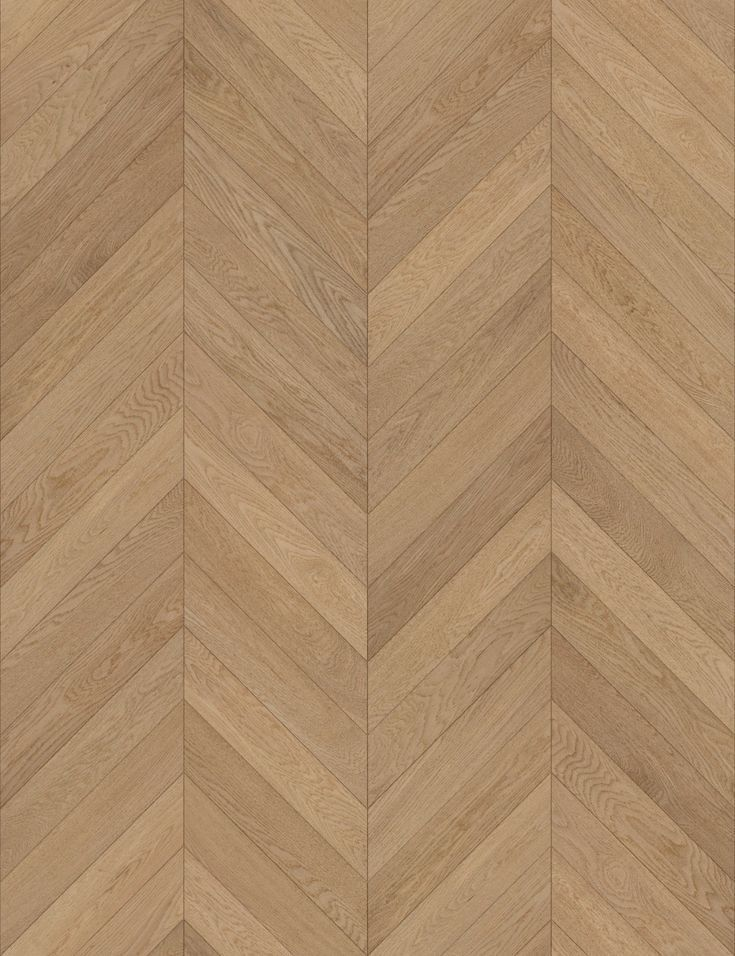
Chevron Oak
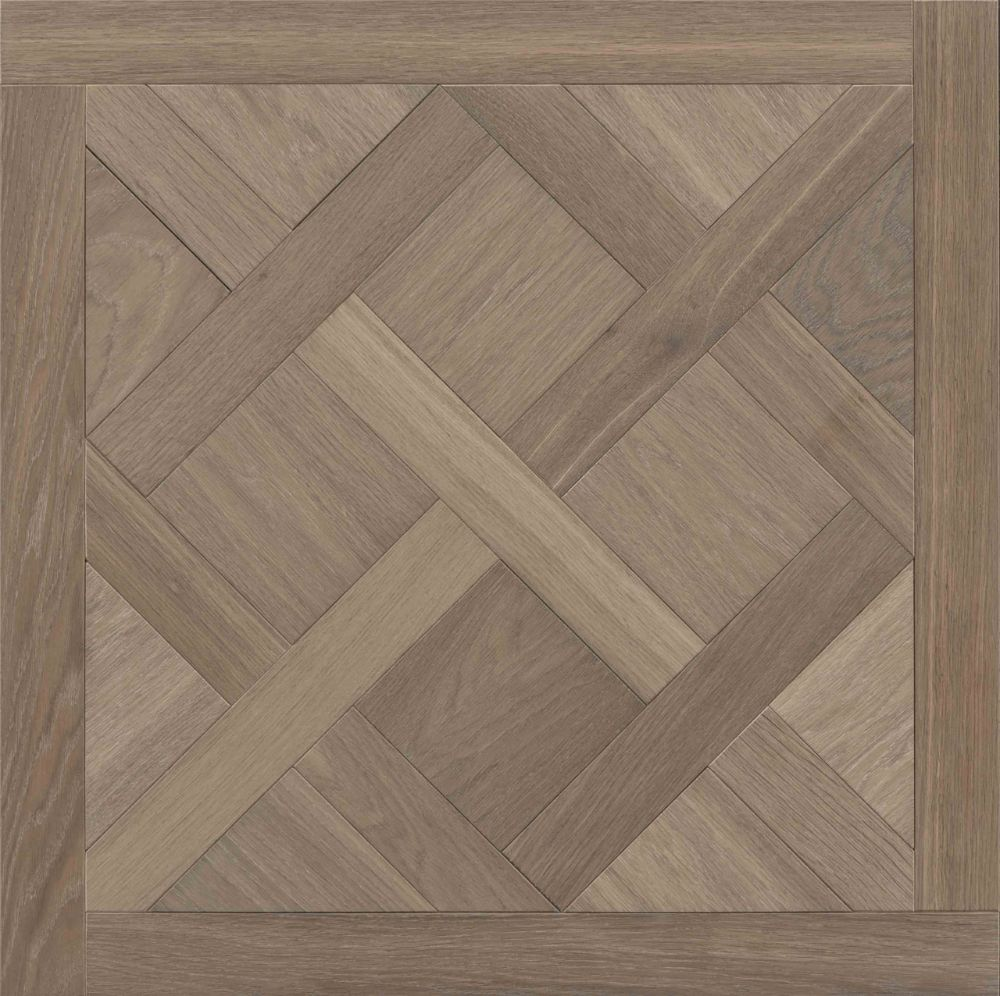
Versailles Parquet
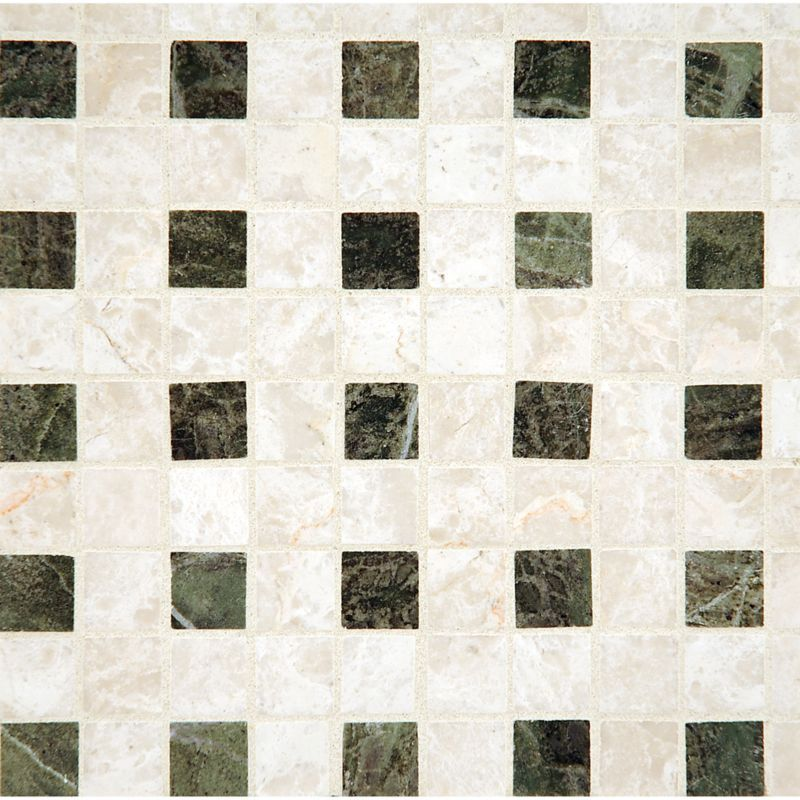
Marble Mosaic
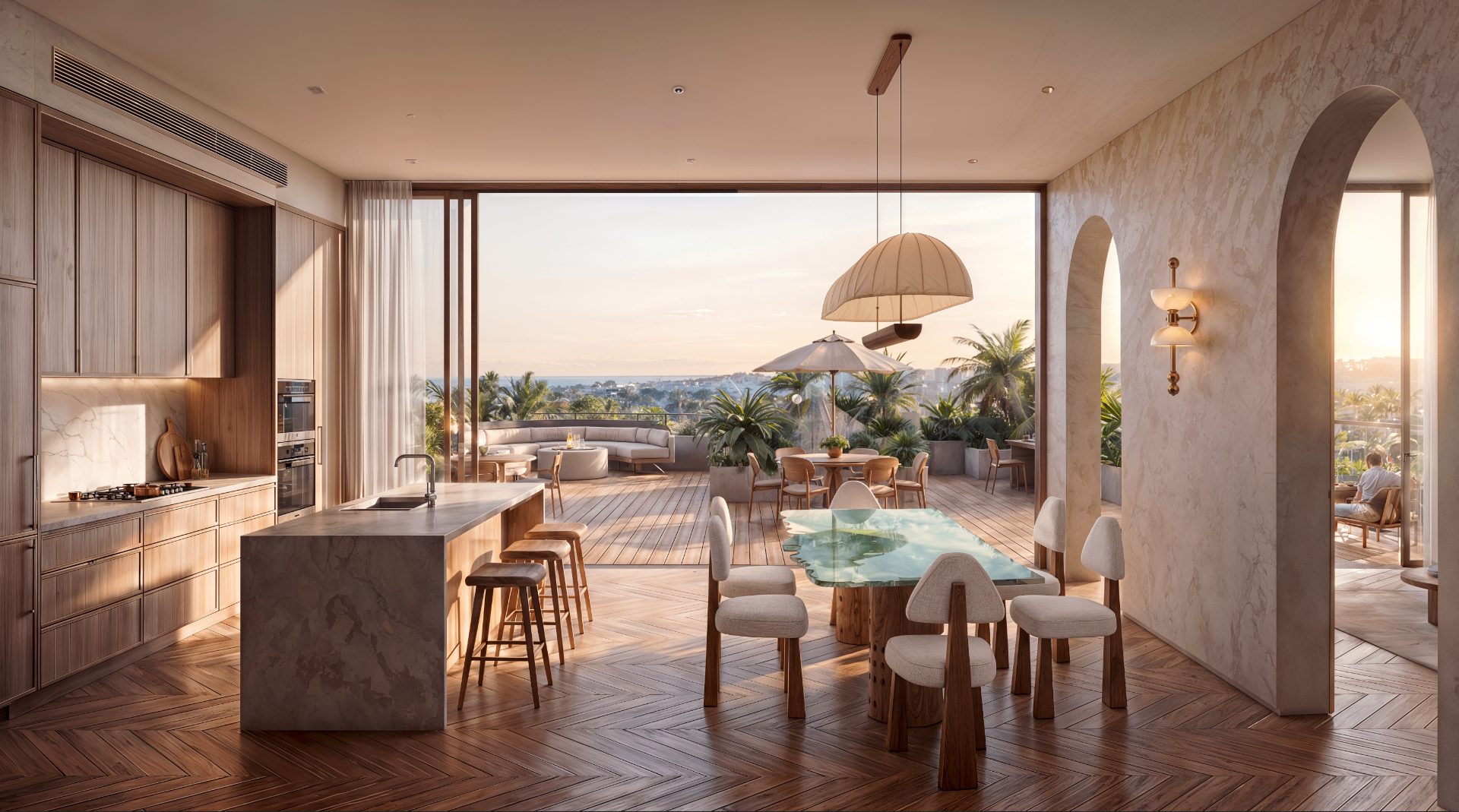
Floorplan to Render
FF&E Pieces
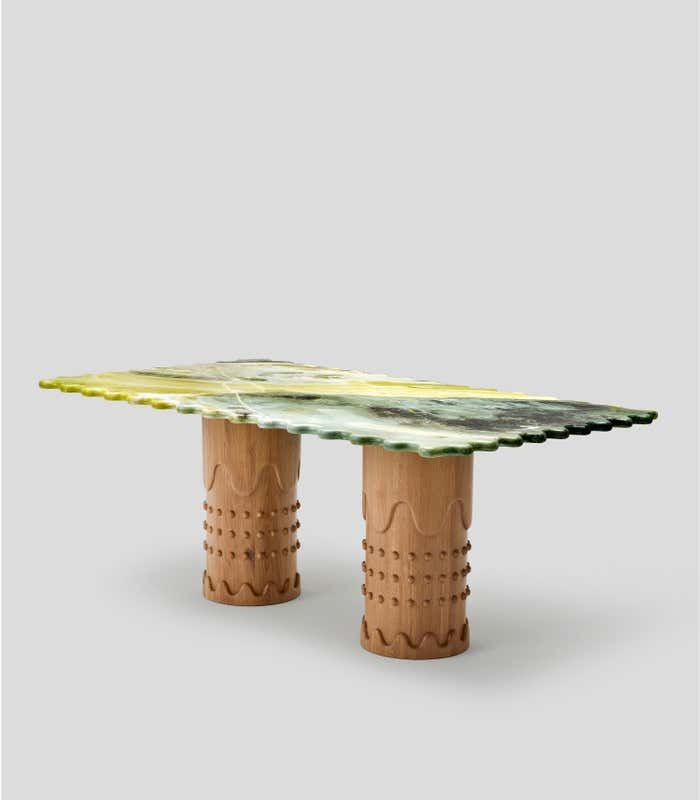
Onyx Dining Table
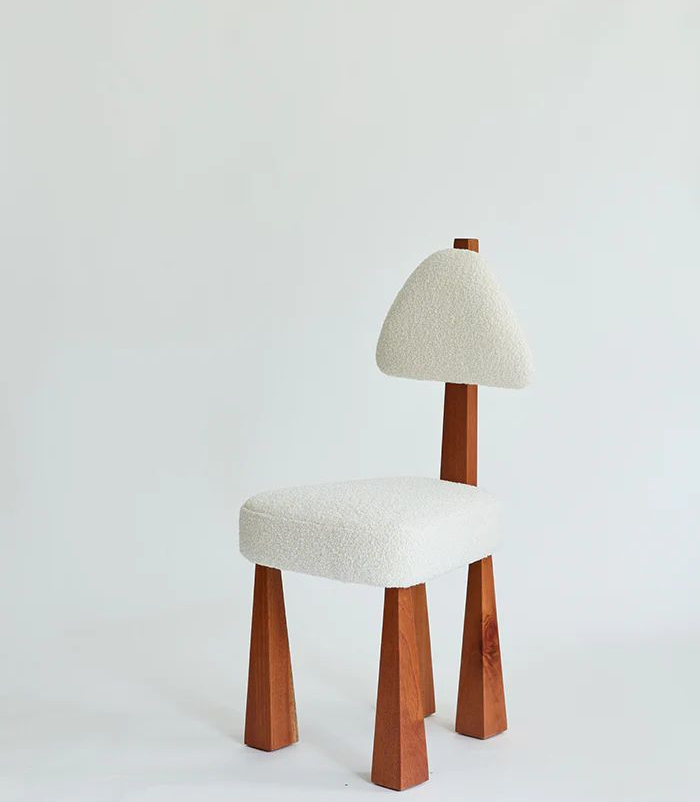
Boucle Chair
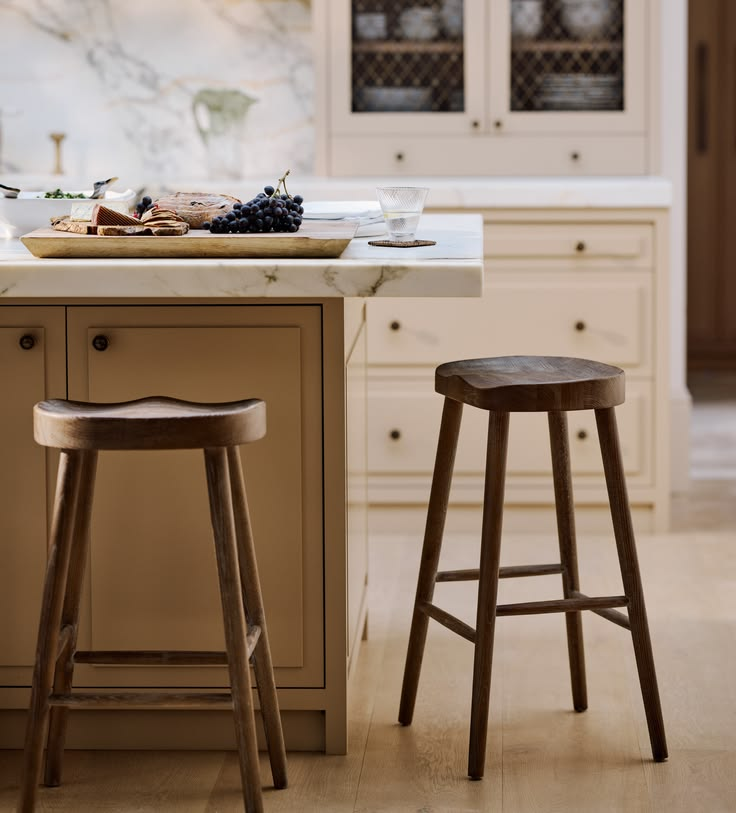
Oak Bar Stool
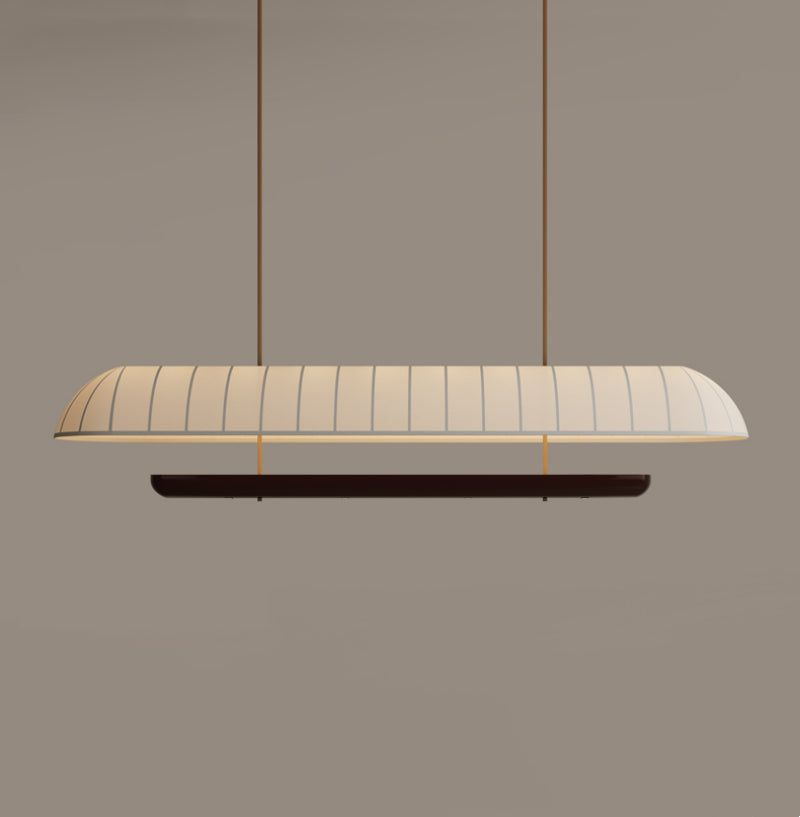
Linen Pendant
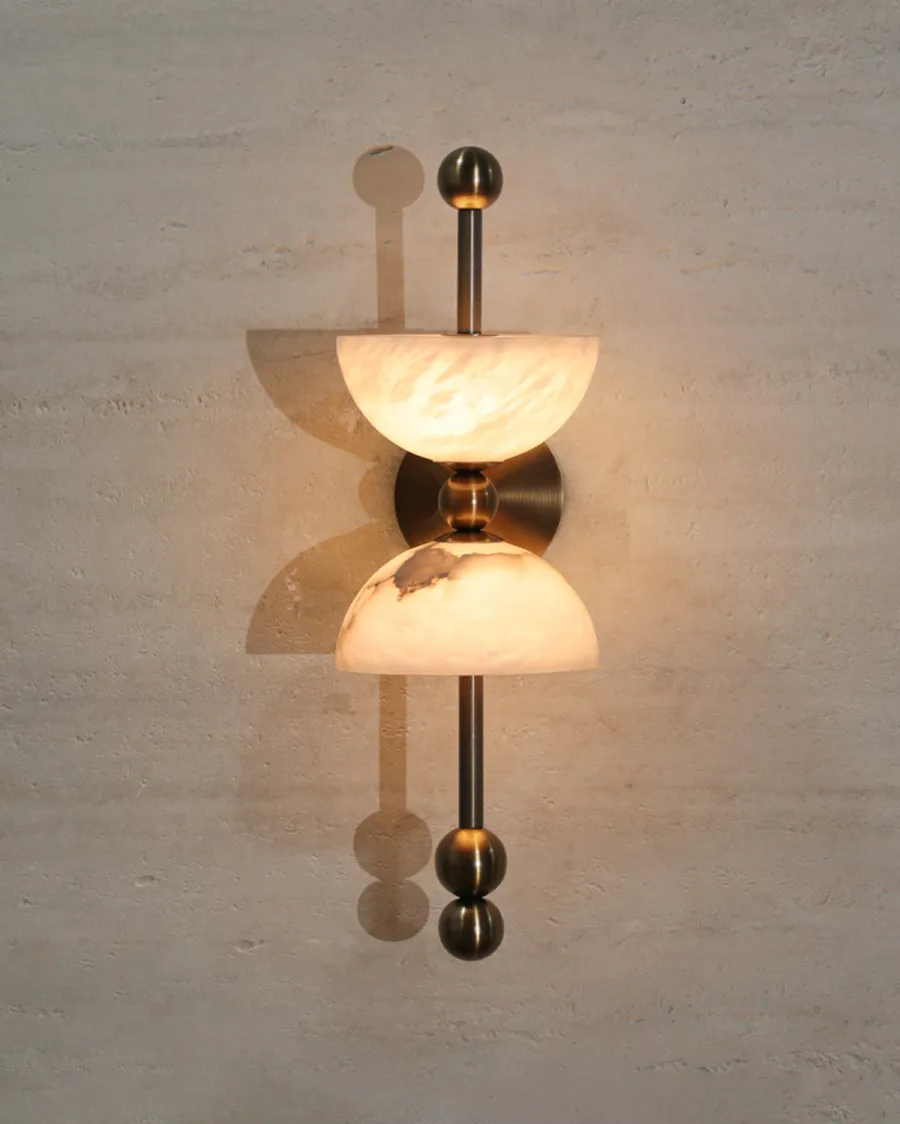
Alabaster Sconce
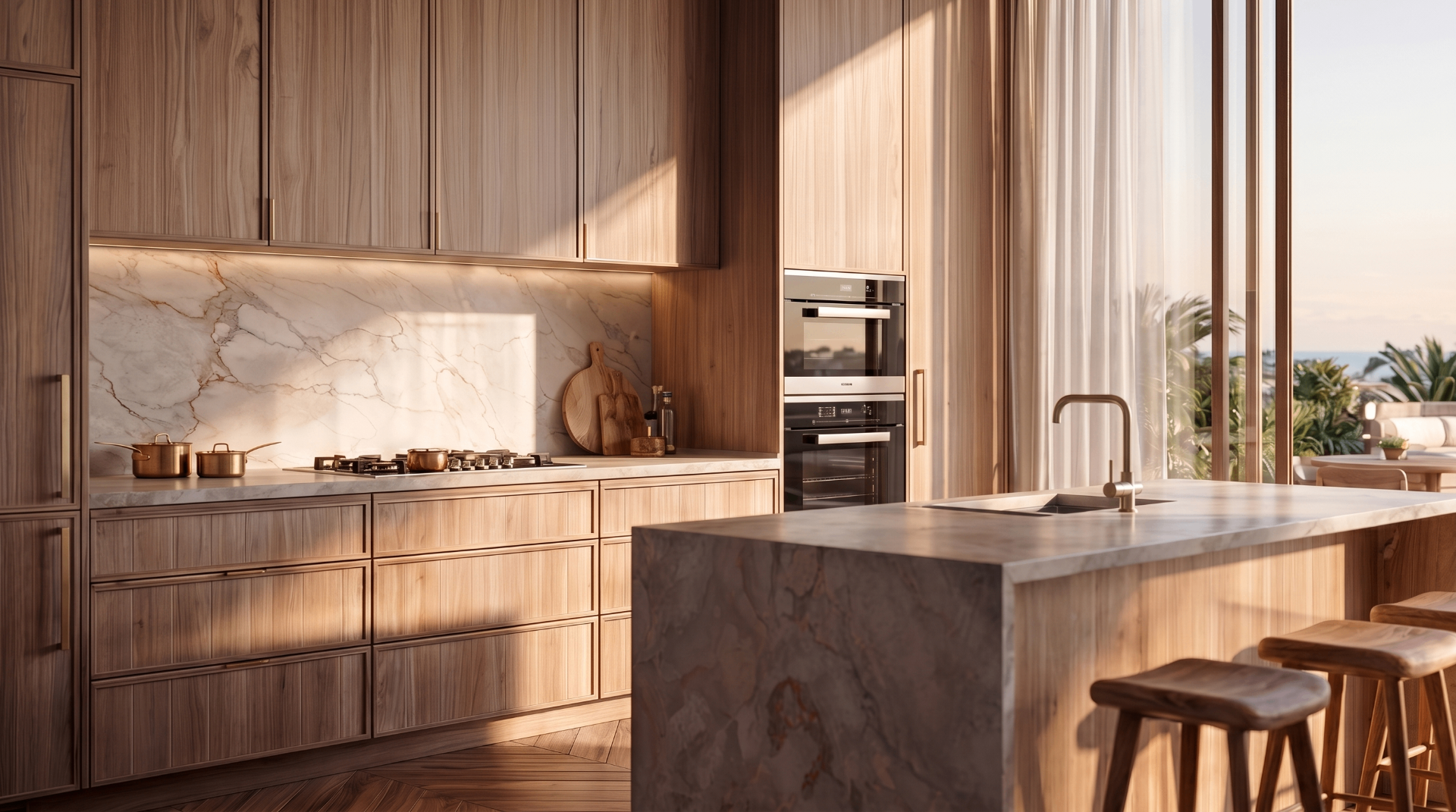
Multiple Angles & Lighting
Angles & Lighting
Kitchen — Golden Hour
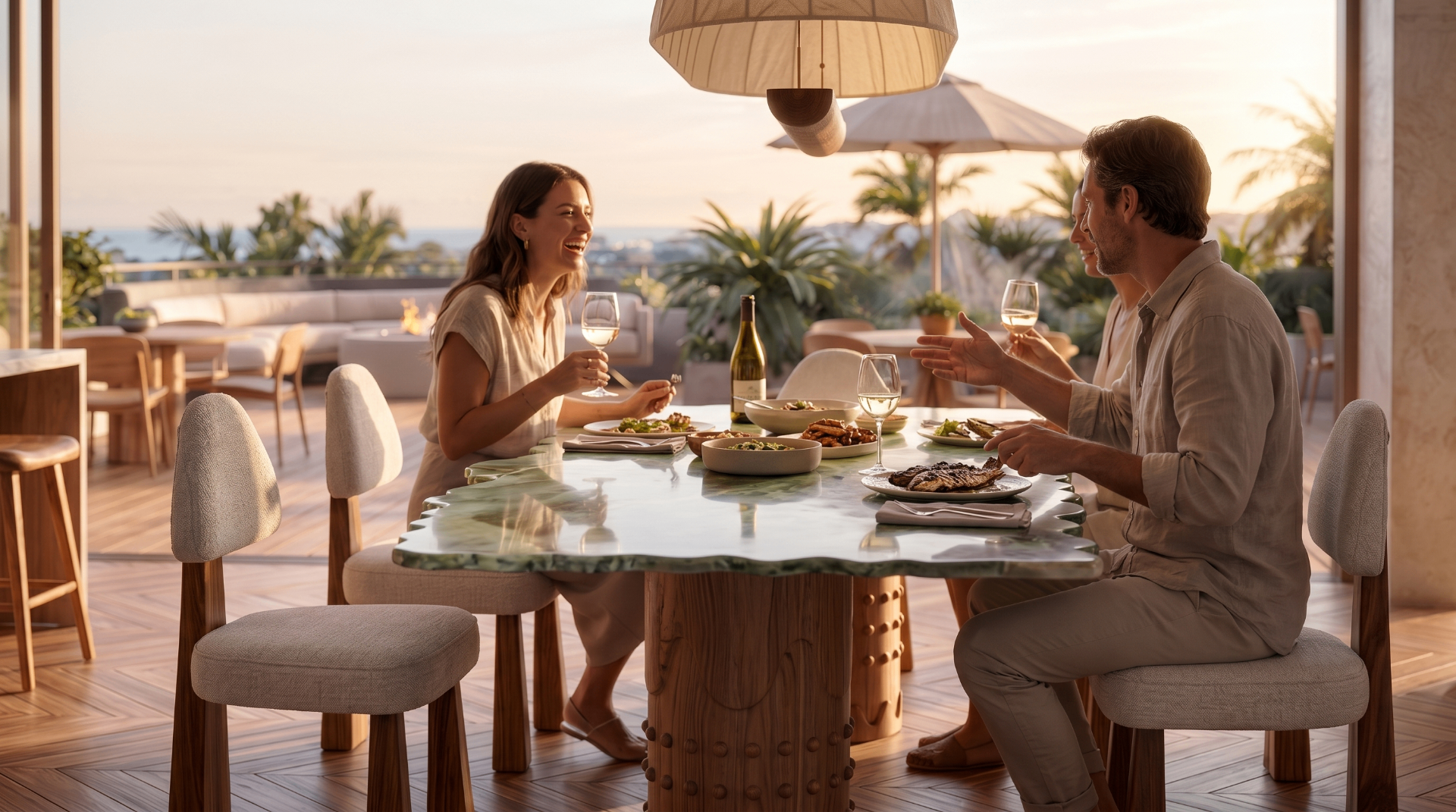
Terrace — Sunset Dining
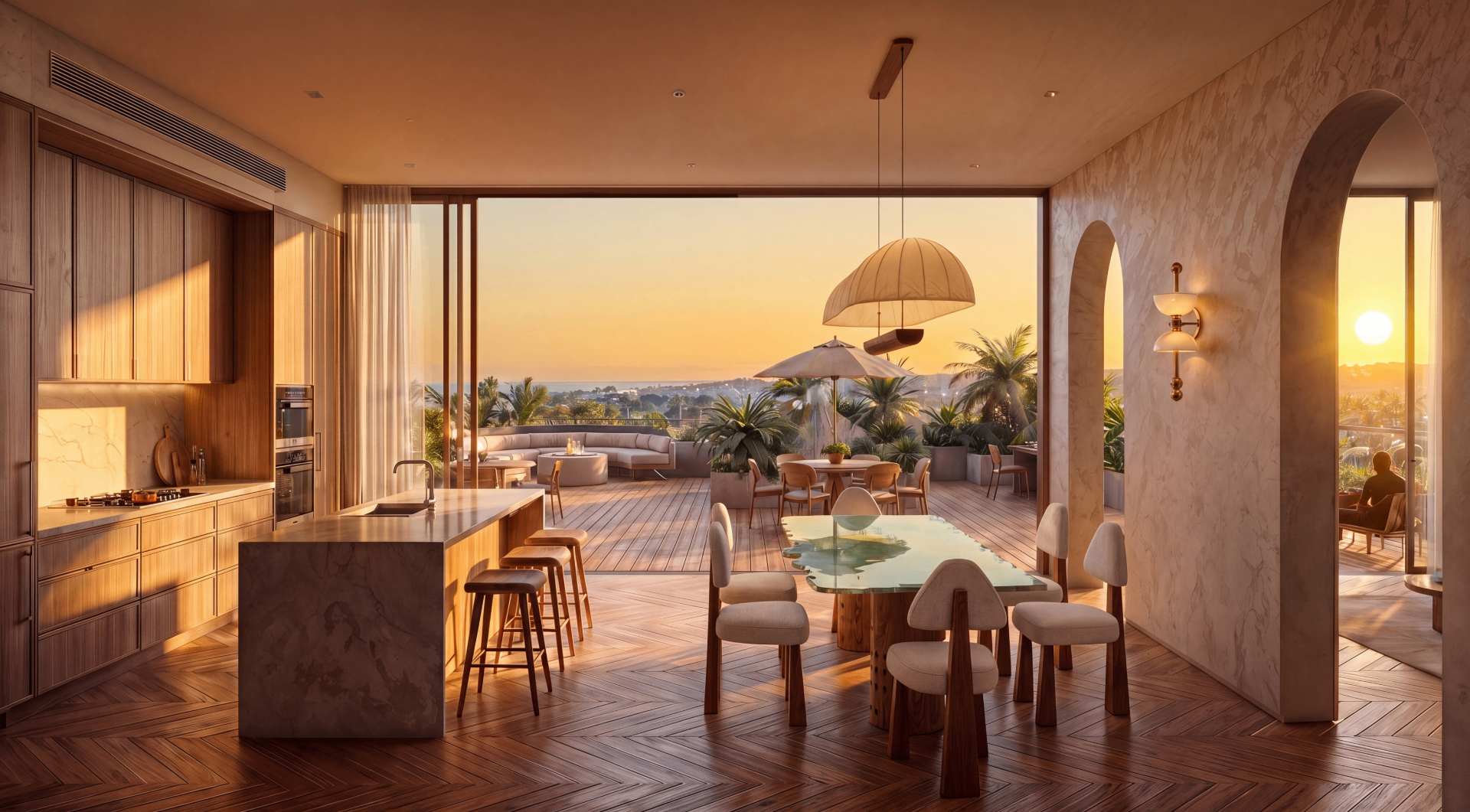
Open Plan — Sunset
Cinematic walkthrough
Also covered
Architecture Visualisation
From a raw Sketchup model to photorealistic renders — and then exploring entirely new design directions with AI in minutes.
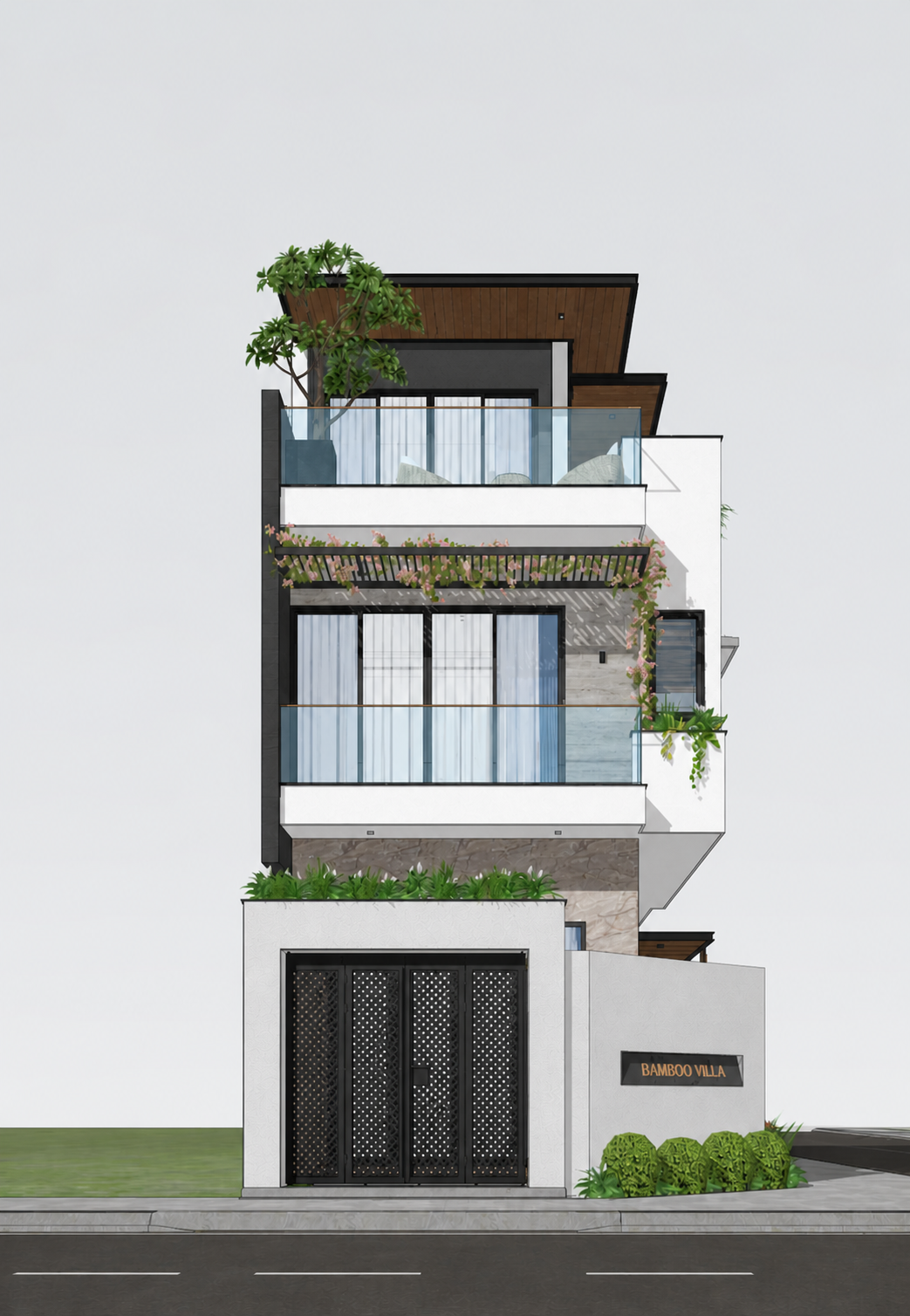 01
01Sketchup Model
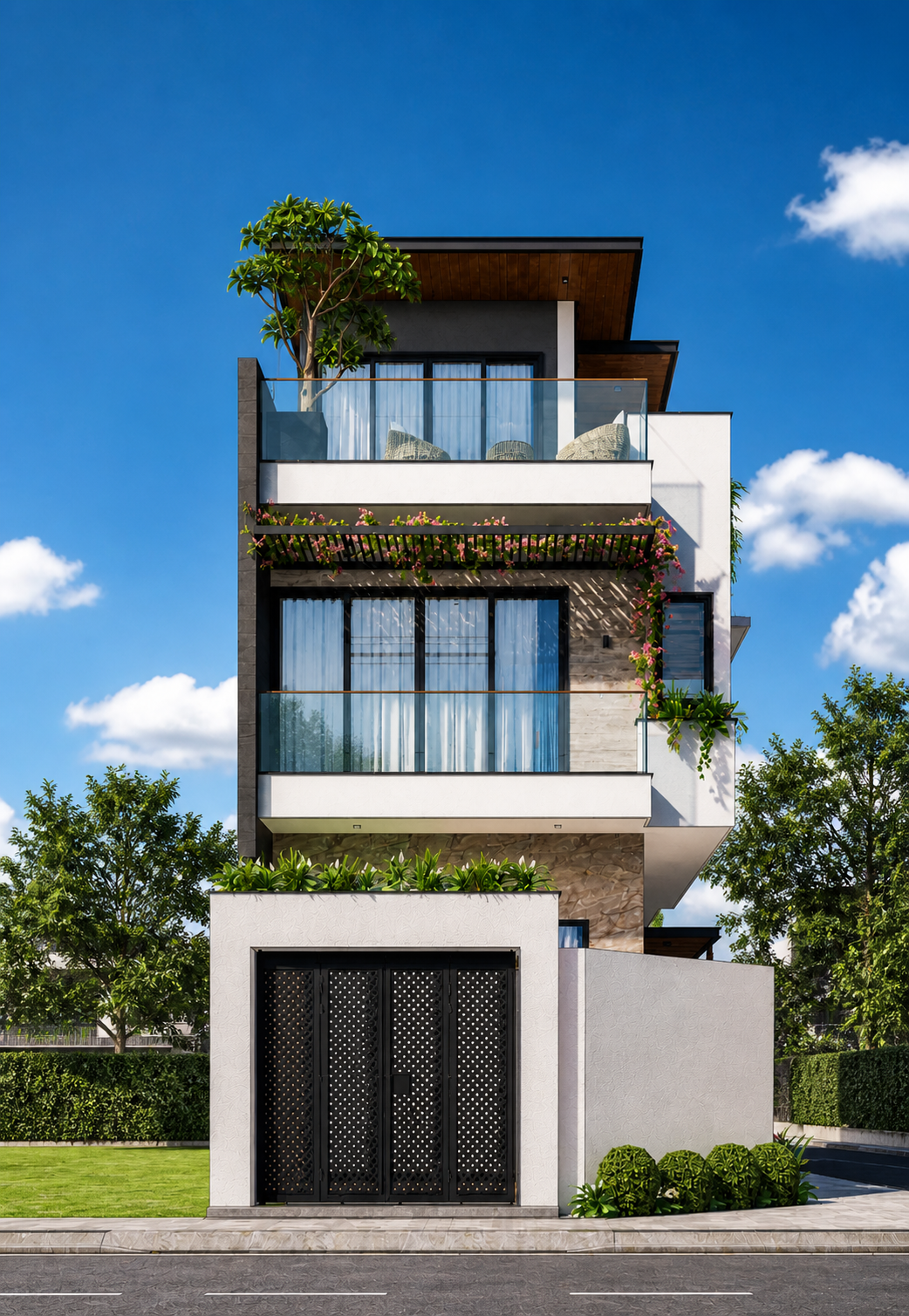 02
02Photorealistic Render
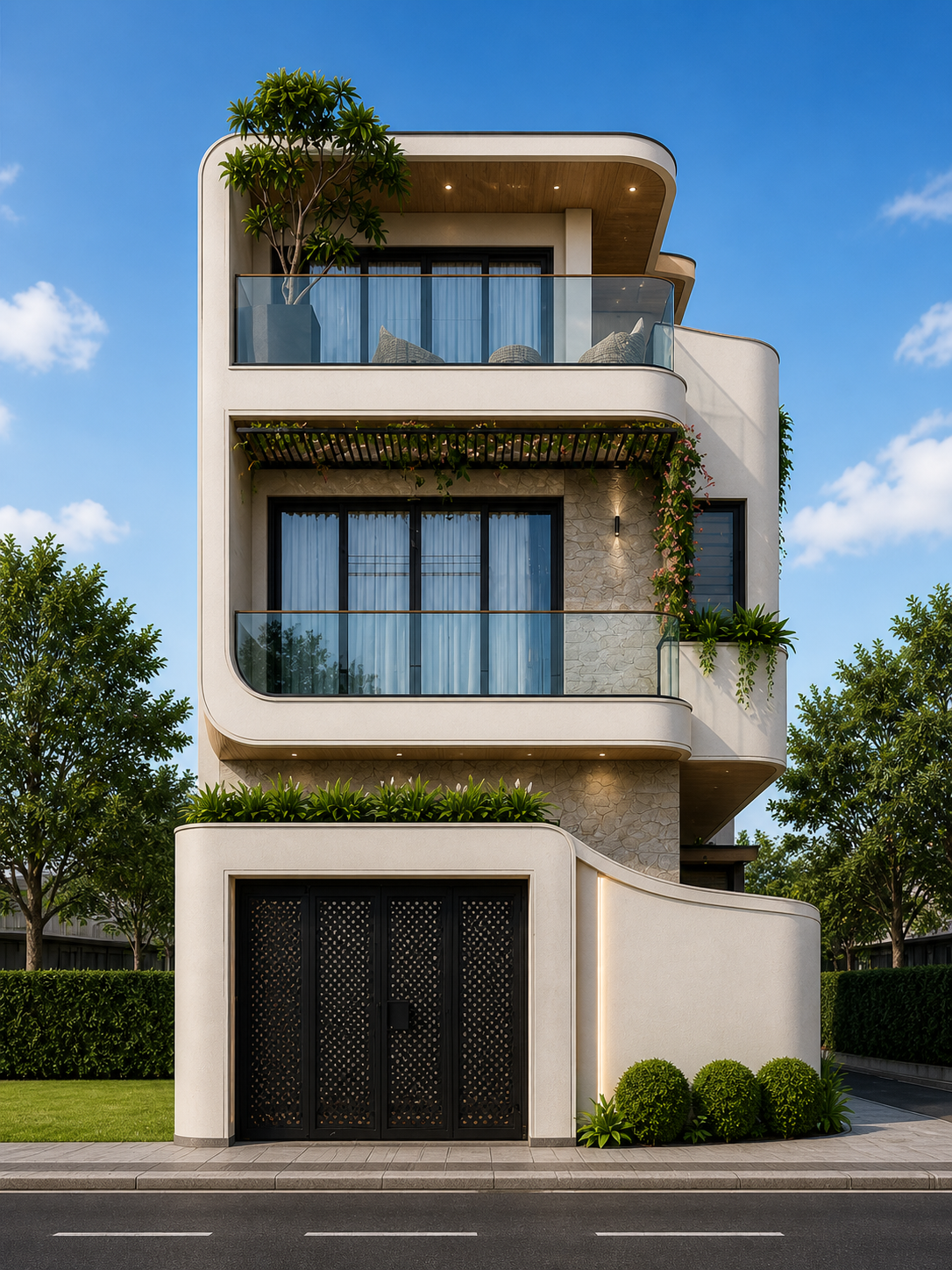 03
03Neoclassical Style
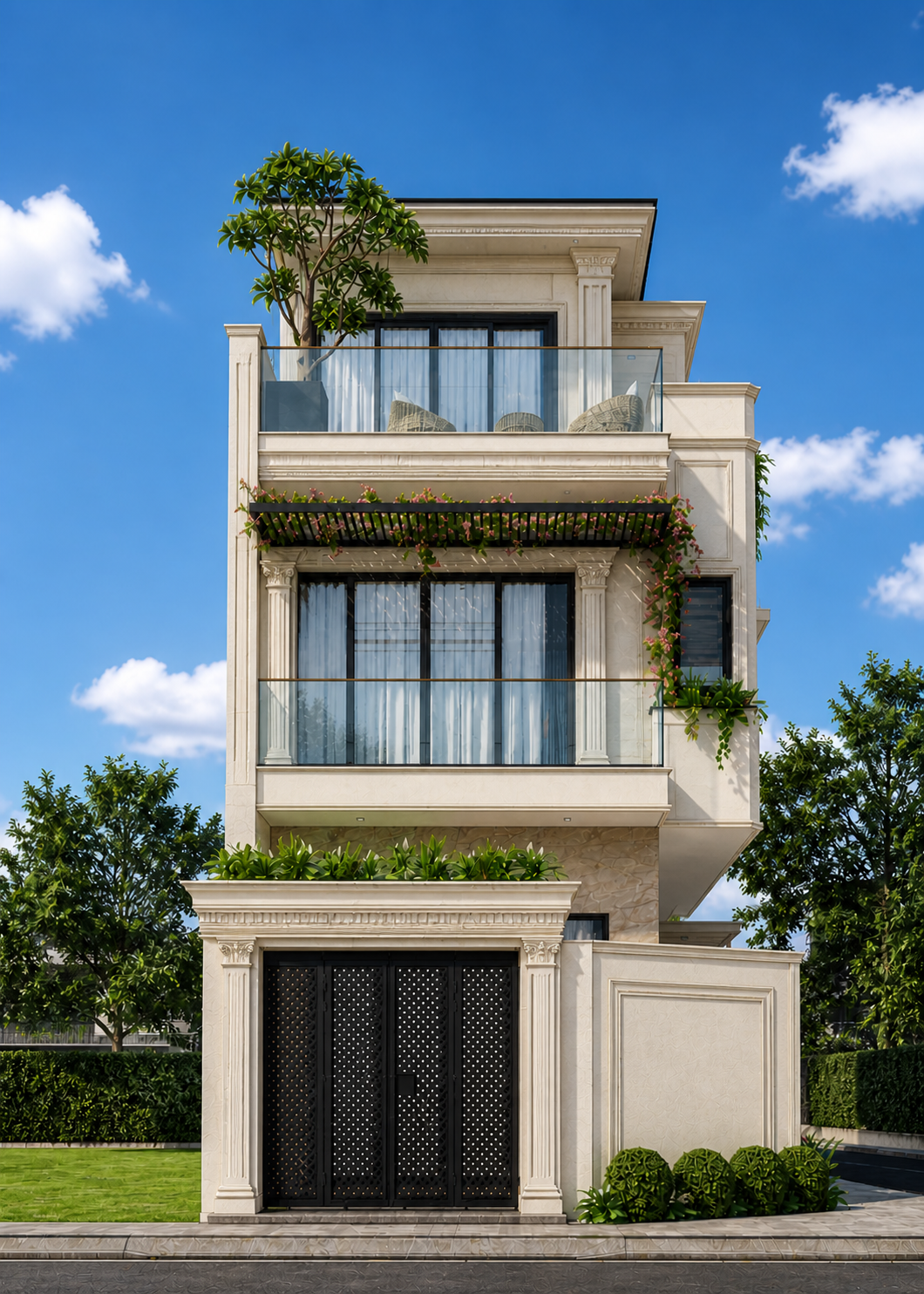 04
04Contemporary Style
Generate multiple design styles from a single model — explore options instantly instead of rebuilding from scratch.
Covering:
Eleven end-to-end skills, from architecture visualisation to a fully directed cinematic walkthrough.
Sketchup to photorealistic render
Architecture style variations with AI
Neoclassical & contemporary exteriors
Floorplan design with AI
Floorplan to 3D plan
4K Interior Visualisation from floorplan
FF&E and adding furniture to render
Capture in different angles
Capture in different lighting
Create video walkthrough
Direct & produce the cinematic video
4-Hour Breakdown
What We Cover, When
A structured live session — every minute planned, nothing wasted.
Welcome & Setup 15 min
- Intro to the session and what we're building today
- Tool setup: Archate, ChatGPT
- How to use Google AI Studio for free - setup walkthrough
- Overview of the full AI pipeline
Architecture Visualisation 45 min
- Sketchup model to photorealistic render using AI
- Generating architecture style variations from a single model
- Neoclassical and contemporary exterior explorations
Interior Design - Floorplan to 3D 45 min
- Designing a floorplan from scratch using AI
- Converting floorplan to a 3D plan view
- Materials palette selection across flooring, textures, and finishes
Interior Design - Render, FF&E & Lighting 45 min
- Floorplan to 4K interior visualisation
- Adding FF&E: furniture, lighting, accessories
- Multiple angles and lighting variations
Break 15 min
Video Production 45 min
- Intro to Seedance 2.0, Kling 3.0, and Veo 3.1 Fast
- Creating a video walkthrough from renders
- Directing and producing the cinematic video
- Editing, pacing, and final output
Bonus Prompt Writing + Agentic AI 20 min
- How to write effective prompts for architecture and design
- Structuring prompts for consistent, high-quality outputs
- Agentic AI for multi-step design tasks
- MCP servers connecting Claude to Sketchup, Blender, and Autodesk
Q&A + Wrap Up 10 min
- Open Q&A
- Session recording shared with all attendees
- What to explore next
In Their Own Words
Real experiences from the architects and designers we work with.
What students say and liked
6 verified reviews from our masterclass students
“The various examples of using AI, the pace of the workshop made it very easy to follow along. This workshop has definitely helped me enhance my AI workflow even more.”
“Loved the explanations - super clear, detailed, and broken down so well. Honestly made everything easy to follow.”
“Very well explained, step-by-step and easy to follow, allowing for rapid progress in one's own projects.”
“Very practical, answered all questions, very good explanation, a lot of useful information.”
“Many examples from different areas, prompts, steps we should be aware of, workflows, and showing visually complicated pictures.”
“Priyank is always ahead of the game in AI - every session brings genuinely new workflows that change how we approach projects.”